css
CSS progress() is ready for responsive value calculations
The now-Baseline CSS progress() function turns a position between two bounds into a reusable responsive ratio, with a careful path for fallbacks and no-clamp.
Published 2026-10-14

Responsive design often needs the same question answered in several places: where is this viewport or container between its small and large bounds? CSS now has a direct way to express that calculation. web.dev’s September platform report says Firefox 155 added the progress() math function, making it Baseline Newly available. That makes it a useful progressive tool for scaling an interface without first turning the calculation into JavaScript.
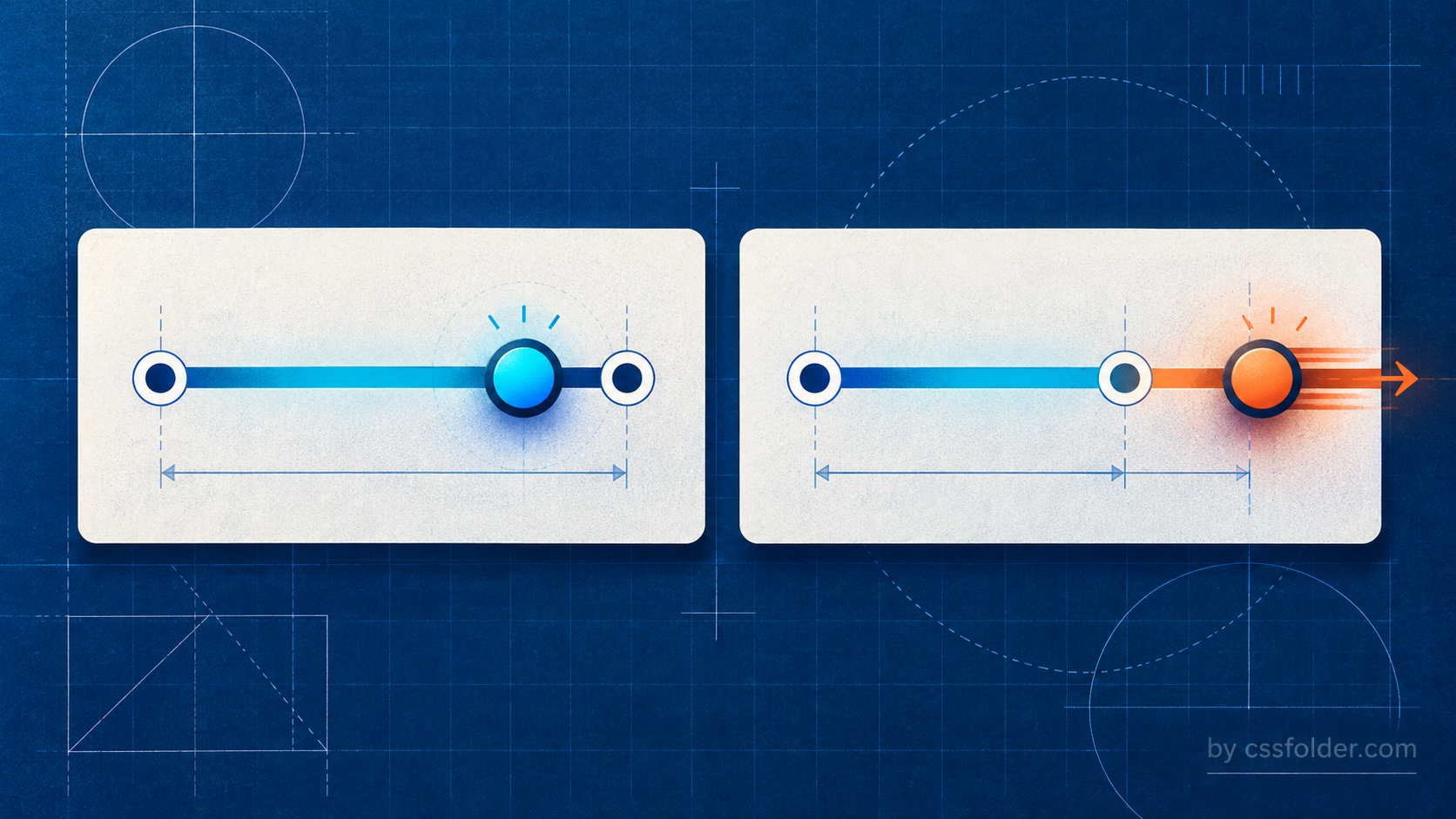
A ratio, expressed in CSS
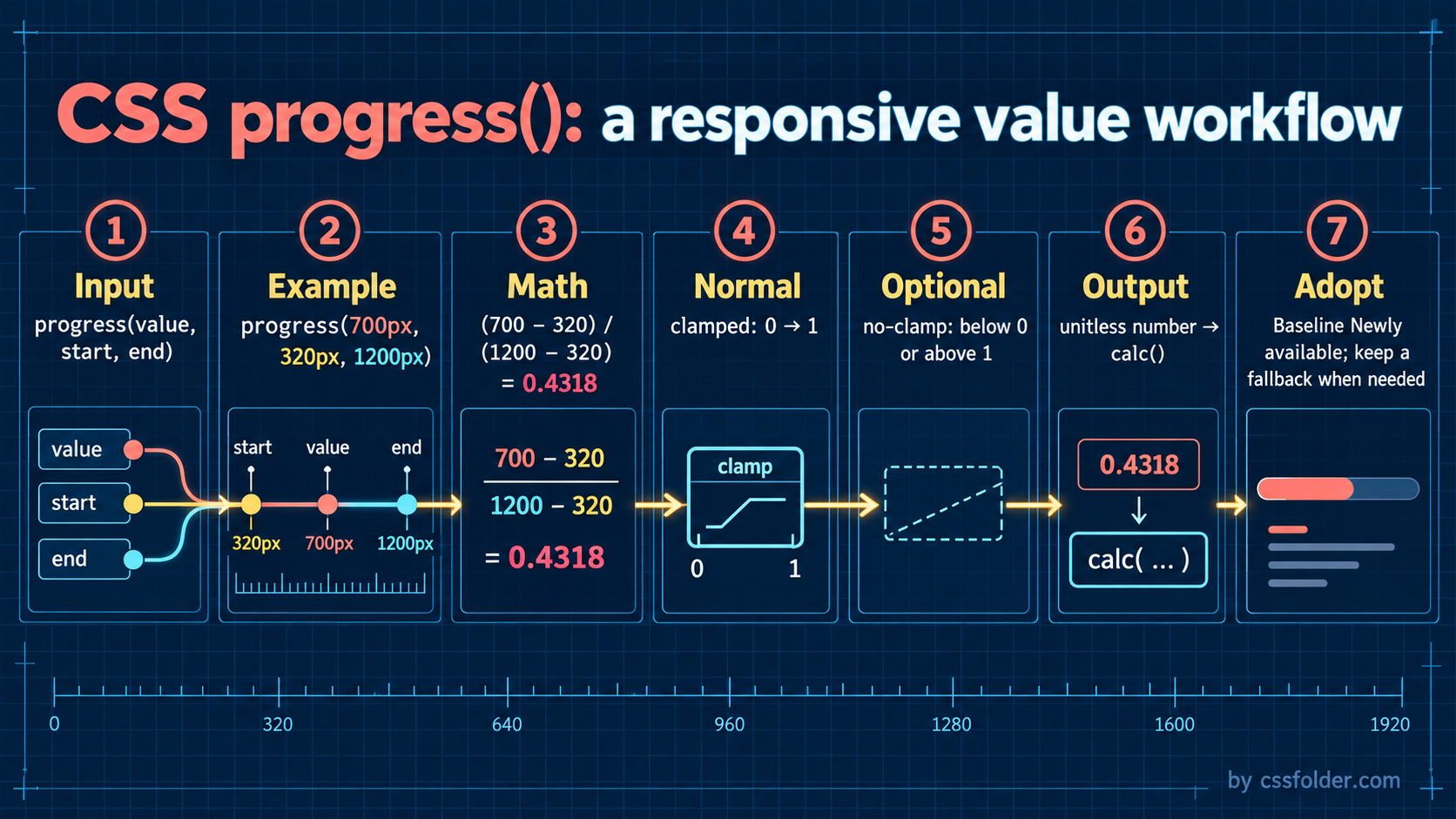
progress(value, start, end) returns a unitless number that represents value’s position between two endpoints. In its ordinary form the result is clamped: anything at or below the start resolves to 0, anything at or above the end resolves to 1, and values in between become a proportional number. The three values must resolve to compatible types, so lengths belong with lengths, percentages with percentages, and so on.
For a viewport that is 700px wide, measured against a 320px start and a 1200px end, the ratio is (700 − 320) / (1200 − 320), or about 0.4318. That number is deliberately not a length. It becomes useful when it is multiplied into the type a property expects.
:root {
  --fluid: progress(100vw, 320px, 1200px);
}

.card {
  padding-inline: calc(16px + var(--fluid) * 24px);
  border-radius: calc(12px + var(--fluid) * 12px);
}
Why the normal clamp is helpful
Most fluid UI tokens need a sensible floor and ceiling. In the example, padding stays at 16px below 320px and reaches 40px at 1200px instead of continuing to grow. That can make the intent clearer than a compound min(), max(), and calc() expression, especially when one ratio drives spacing, a color component, and a decorative offset together.
The function also has a no-clamp option. Firefox 155 and Safari 27 support it, according to web.dev’s report. Put no-clamp first in the function when an effect should continue below the start or above the end rather than stopping at 0 or 1. This is an expressive option for deliberately extrapolated motion or visuals; it is not a default replacement for bounded layout values.
Baseline changes the planning conversation
The availability milestone is meaningful because it covers the common browser set noted by web.dev: Chrome and Edge 138, Firefox 155, and Safari 26 for progress(). It does not mean every project can erase its fallback without checking its own support policy, embedded browsers, or enterprise fleet. MDN also notes that not every part of the latest syntax is necessarily implemented identically.
Treat progress() as a progressive enhancement when a design can retain a fixed token or a simpler clamp-based calculation. A custom property makes this straightforward: declare the conservative value first, then override it in an @supports rule that tests the function. Keep the fallback if the responsive interpolation is ornamental or if its absence would make a control hard to use.
.card {
  --card-pad: 16px;
  padding-inline: var(--card-pad);
}

@supports (width: calc(progress(100vw, 320px, 1200px) * 1px)) {
  .card {
    --card-pad: calc(16px + progress(100vw, 320px, 1200px) * 24px);
  }
}
Start with one shared ratio
The practical entry point is a component that already has min and max values scattered across its CSS. Name the bounds, define one progress() ratio, and use it in one or two visible values. Resize through the thresholds and test zoom, narrow screens, and user text-size changes. If the interpolation makes the component easier to maintain, extend it. If the result is harder to read than the previous formula, keep the older expression: the new function is a tool for making intent clearer, not a requirement to make every token fluid.
The September report is the announcement; MDN’s reference remains the right place to check exact syntax, compatible types, and browser details before shipping.