css
Edge 155 gives text decorations more room around spaces
Edge 155 adds text-decoration-skip-spaces, a progressive CSS refinement for deciding where underline, overline, and line-through lines leave whitespace gaps.
Published 2026-10-12

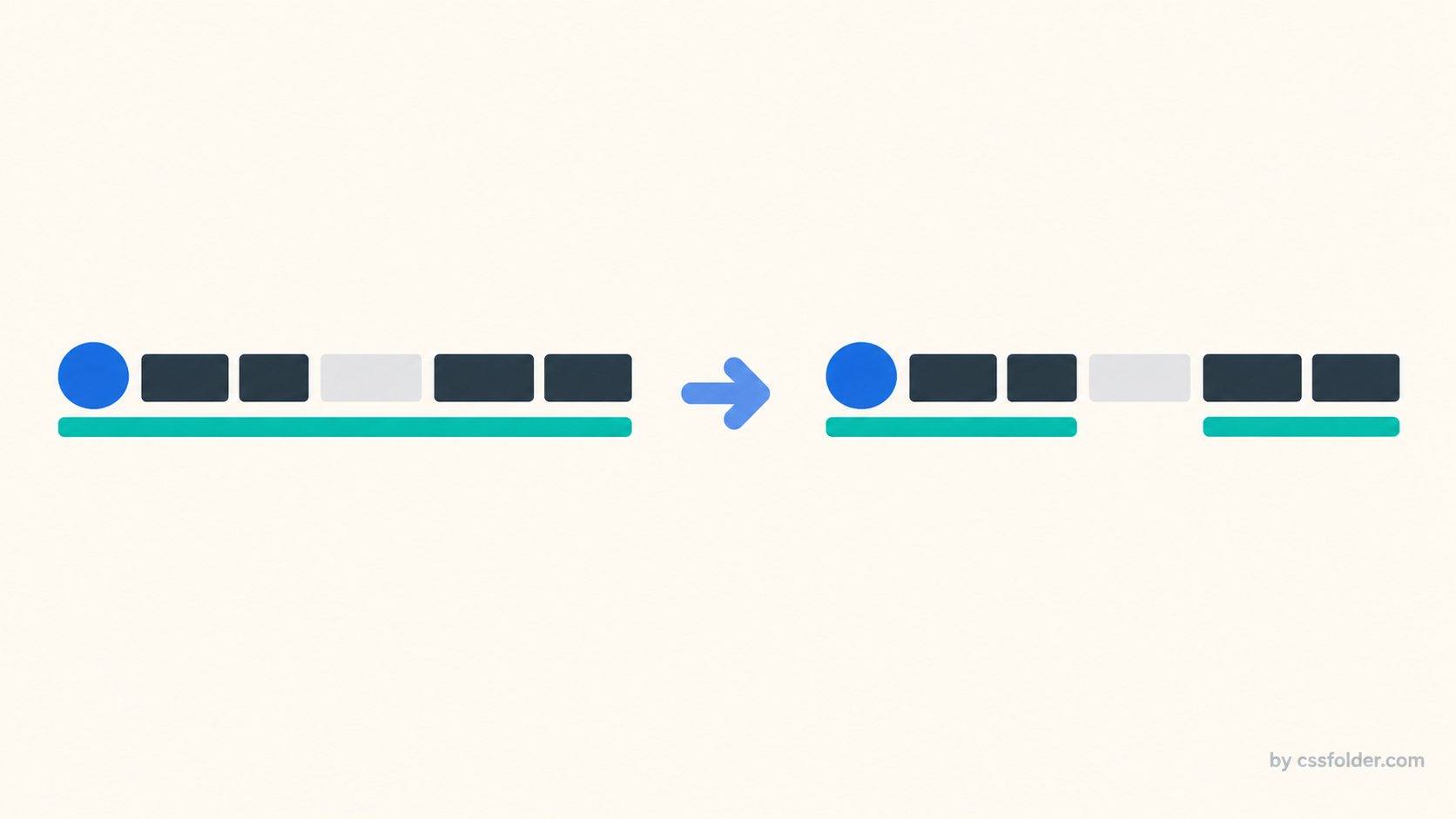
Tiny details in underlines can make an interface feel either carefully composed or oddly mechanical. Microsoft’s Edge 155 release notes add a new CSS control, text-decoration-skip-spaces, for deciding whether decoration lines skip whitespace characters. It is a narrow capability, but it can be useful when a link, label, or inline control deliberately contains visible spacing and a continuous line is not the visual treatment you want.
What Edge 155 adds
The Edge 155 notes, published for the 8 October 2026 release, describe text-decoration-skip-spaces as a property that controls whether decoration lines such as underlines, overlines, and line-throughs skip whitespace characters. That is the implementation fact to anchor on: it is available in Edge 155. It is not evidence that every target browser has it, so it should not replace a design’s ordinary decoration behavior without a compatibility decision.
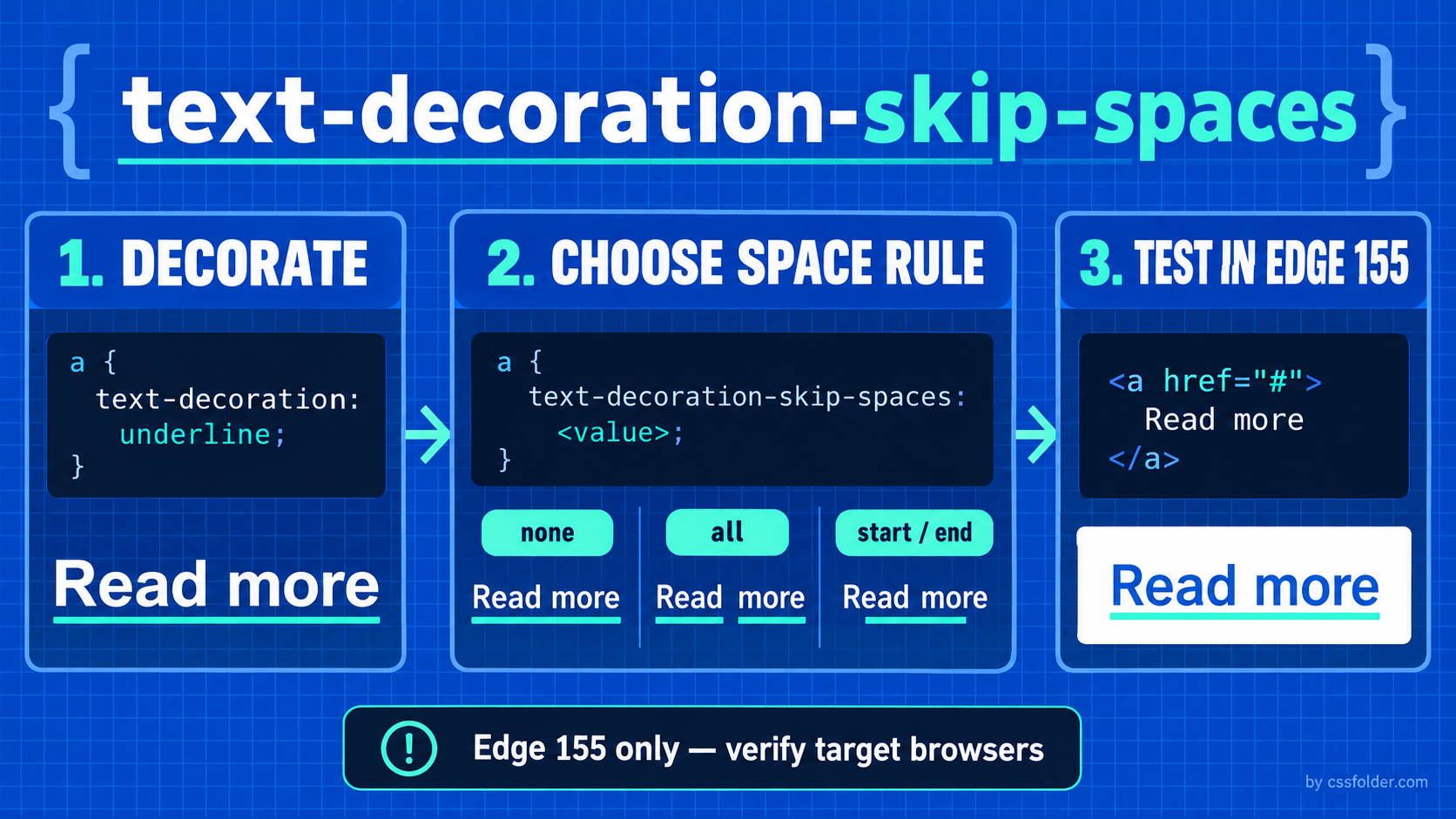
The current CSS Text Decoration Level 4 editor’s draft lists none, all, and start/end as the property’s values. The same section is explicitly marked as a rough draft not yet vetted by the CSS Working Group. That makes the syntax helpful for evaluating the new implementation, while also being a reason to avoid presenting it as a finalized standard or a settled cross-browser baseline.
Think of it as a decoration decision, not a content decision
The property affects the line decoration, not the text itself. It does not change the accessible name of a link, alter whitespace in the DOM, or solve a layout problem. Its job is visual continuity: should a line span a blank character, skip every qualifying space, or only avoid space at an edge? That distinction matters when a design system separates visual treatment from semantics.
A reasonable candidate is a text link or label where an intentional internal blank creates a visible pause. Before applying the property, check that the decoration is doing real work for the interface. Link recognition should not depend on a finely tuned underline alone; focus indication, contrast, hit target size, and accessible naming still need their own review. The new control is a refinement after those fundamentals are already in place.
Progressively enhance the visual treatment
Because the release note is browser-specific, retain a complete default decoration first. Then isolate the enhancement with a feature query. Browsers that do not recognize the declaration keep the normal underline; a supporting Edge 155 build can apply the whitespace rule. This makes the visual detail optional rather than making it a condition of understanding or use.
.nav-link {
  text-decoration: underline;
  text-underline-offset: 0.16em;
}

@supports (text-decoration-skip-spaces: all) {
  .nav-link {
    text-decoration-skip-spaces: all;
  }
}
Use the value that matches a deliberate visual rule, not a generic preference. all is the clearest option when the line should leave a gap at whitespace throughout an inline run. start and end are more targeted when the unwanted line occurs only at an inline boundary. none is useful as an explicit statement that the decoration should remain continuous. Test with the actual text, font, spacing, zoom level, and writing mode used by the component; an abstract specimen cannot reveal every line-wrap or font-metrics interaction.
Add it to component review, not a blanket reset
Avoid adding this property globally to every anchor or every decorated element. A continuous underline may be the expected, clearer result for a body link, while a compact navigation label may have a stronger reason to skip a particular gap. Local component ownership keeps the choice reviewable and avoids visual surprises in translated text, narrow viewports, or content with different spacing patterns.
For a small rollout, capture a before-and-after screenshot in Edge 155, then compare it with the non-supporting fallback in every browser your product supports. Include keyboard focus and high-zoom checks, and ensure the decoration adjustment does not make a link look like disconnected plain text. If the difference is merely decorative and the fallback is already acceptable, the feature is a safe progressive enhancement. If the difference changes perceived interactivity, keep the baseline treatment doing the important work.
Primary source
Microsoft Edge, “Microsoft Edge 155 web platform release notes,” released 8 October 2026: https://learn.microsoft.com/en-us/microsoft-edge/web-platform/release-notes/155. Syntax and draft-status check: CSS Text Decoration Module Level 4 editor’s draft: https://drafts.csswg.org/css-text-decor-4/.