browser features
Firefox 159 turns on scroll-driven animations by default
Firefox 159 enables scroll-driven animations by default, giving teams a chance to add restrained, progressively enhanced scroll timelines while keeping static and reduced-motion states complete.
Published 2026-10-28

Firefox 159 makes scroll-driven animations available by default. Mozilla’s release note describes a familiar animation whose progress is tied to a scroll-based timeline instead of the ordinary document timeline. That is a meaningful availability change for teams that already use this CSS pattern as an enhancement: Firefox is no longer a browser where the feature must be manually enabled before it can participate.
What changed in Firefox 159
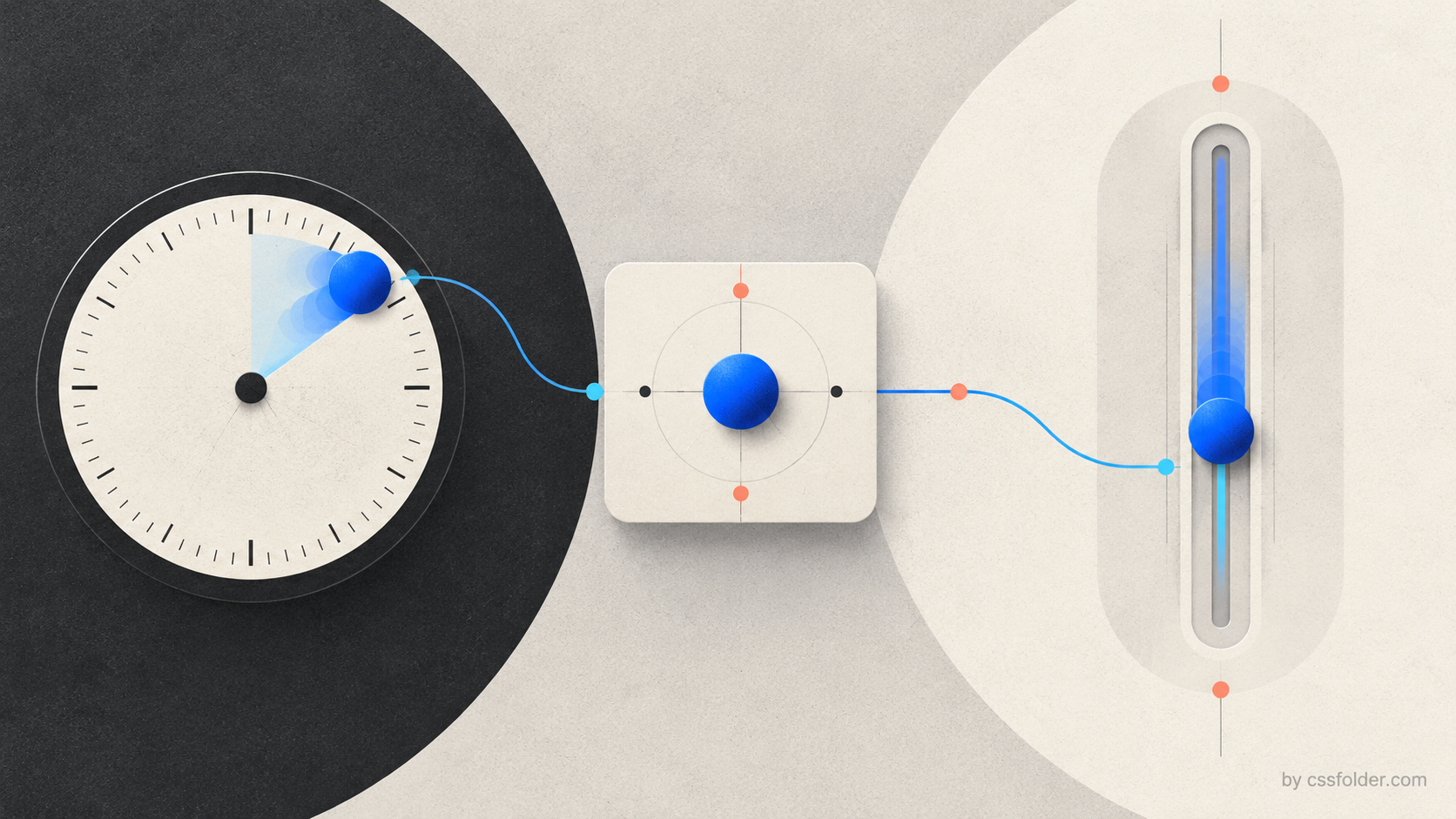
The release is dated October 27, 2026, and its CSS section says that scroll-driven animations are now enabled by default. This is about the timing source. A conventional CSS animation progresses over elapsed time. A scroll-driven animation instead maps progress to a scroll position, so a visual change can move with the reader through a container or document.
That distinction is useful for interfaces where motion is context, not decoration: an article’s reading indicator, an illustration that unfolds alongside an explanation, or a visual change that shows the position within a long section. It does not mean every animated element should now follow scroll. The design still needs a clear no-motion resting state, a meaningful relationship between the scroll and the effect, and a test plan for people who reduce motion.
Keep the first implementation small
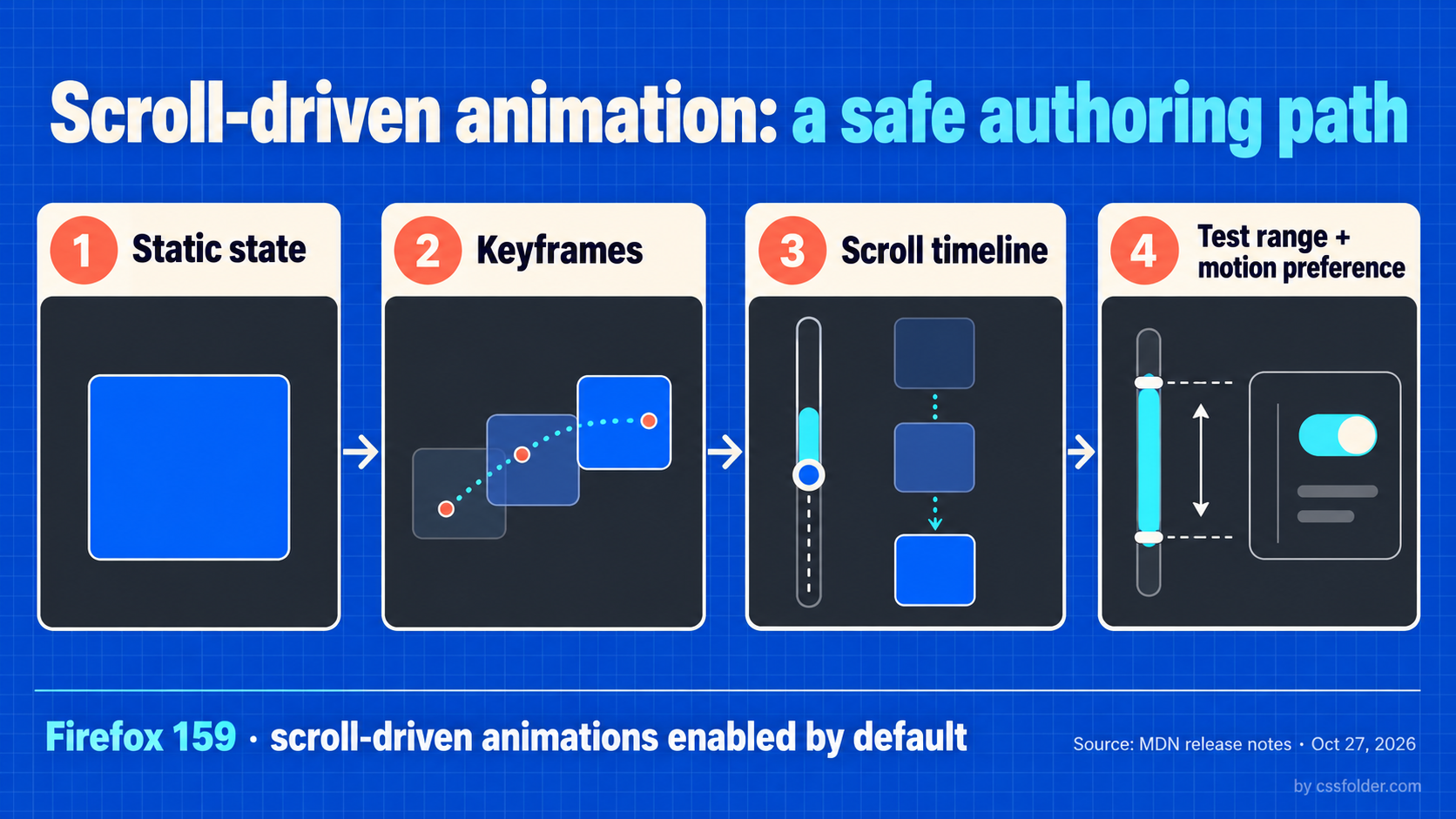
A migration can begin with an existing static element. Give it a usable default appearance, define a narrow animation, then attach the scroll timeline in the enhancement. The following example changes opacity and vertical position as the document scrolls. It deliberately avoids using motion as the only way to reveal information.
.callout {
  opacity: 1;
  transform: translateY(0);
}

@keyframes rise-in {
  from { opacity: .35; transform: translateY(2rem); }
  to { opacity: 1; transform: translateY(0); }
}

@supports (animation-timeline: scroll()) {
  .callout {
    animation: rise-in linear both;
    animation-timeline: scroll();
  }
}
The `@supports` wrapper is a progressive-enhancement boundary. It leaves the readable static state in place where the timing feature is unavailable. In Firefox 159, the browser can now take this path without a preference change. The exact range of the animation is a product decision: inspect it on a real page, because a motion that starts too early or completes too late can make the connection between reading and response feel arbitrary.
Test motion preference and scroll context
Treat reduced motion as an intentional design state, not an afterthought. If the motion helps orientation but is not necessary, let the static state stand on its own when `prefers-reduced-motion` requests less motion. If the effect is inside a component rather than the page, test the component’s actual scroll container as well; a document-level demo can hide assumptions about nested scrolling, overflow, and how far the reader has moved.
@media (prefers-reduced-motion: reduce) {
  .callout {
    animation: none;
    opacity: 1;
    transform: none;
  }
}
A browser release is a cue to revisit, not to overpromise
Firefox 159’s change makes one more implementation available for a CSS technique that needs careful visual review. It is not a blanket signal to remove fallbacks or advertise universal support. Start with a single informative effect, retain the stable version, make motion optional, and test the real scroll context across the browsers and assistive settings your product supports. That approach turns a newly enabled browser capability into a safer UI-engineering improvement rather than a fragile flourish.